Java Edition
Add the server using the address below. The default Java port is already configured.
play.herocraftrift.comPrivate survival server
A curated Minecraft world for Eli and invited friends—Java and Bedrock together, protected by claims, rollback tools, and a real whitelist.
Enter the server
Approved players can join from Java Edition, mobile Bedrock, or a supported console workaround.
Add the server using the address below. The default Java port is already configured.
play.herocraftrift.comAdd an external Bedrock server using the same address and the Bedrock port.
Port 19132Xbox, PlayStation, and Switch require a parent-assisted one-time setup.
Open the guided setup →Save & share
Download this connection card and send it to approved players or their parents.
Download connection card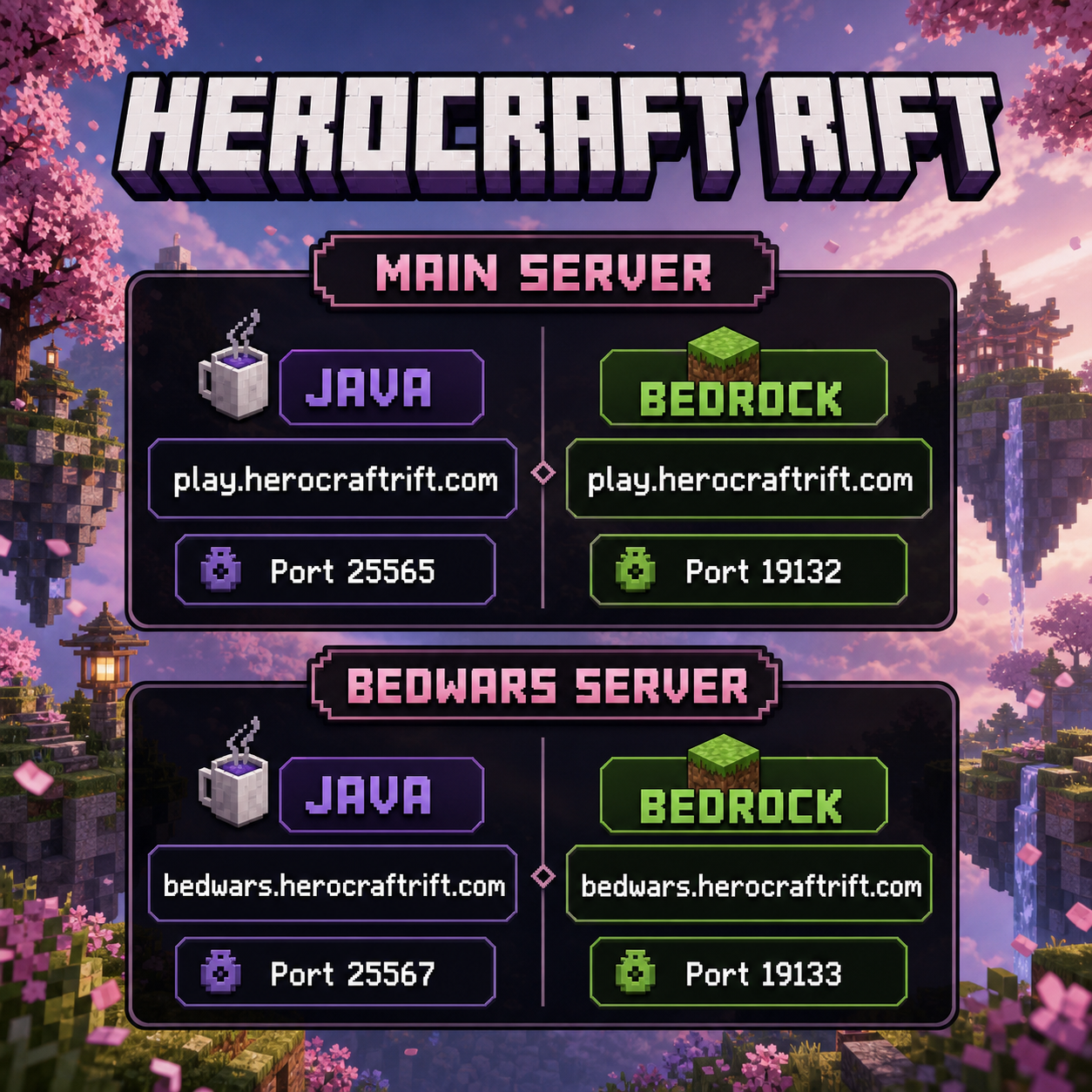
Parent setup guide
Choose the child's console. A parent completes the setup once; afterward, the child uses the saved entry or LAN game.
A parent needs an iPhone, iPad, Android phone, Mac, or Windows PC on the same Wi-Fi as the PlayStation.
play.herocraftrift.com19132Open Minecraft, choose Play → Friends, and select HeroCraft: Rift under LAN Games while the companion app is running.
Gamertag rejected? Confirm that the Microsoft account in Minecraft exactly matches the approved whitelist name. Open the official Geyser console guide ↗
Code of the Rift
Claims protect builds. CoreProtect records changes. Moderators can repair damage—but the best protection is treating people well.
Whitelist request
Every request is reviewed by a real person. Approval is not automatic, and this form never connects directly to the Minecraft server.